
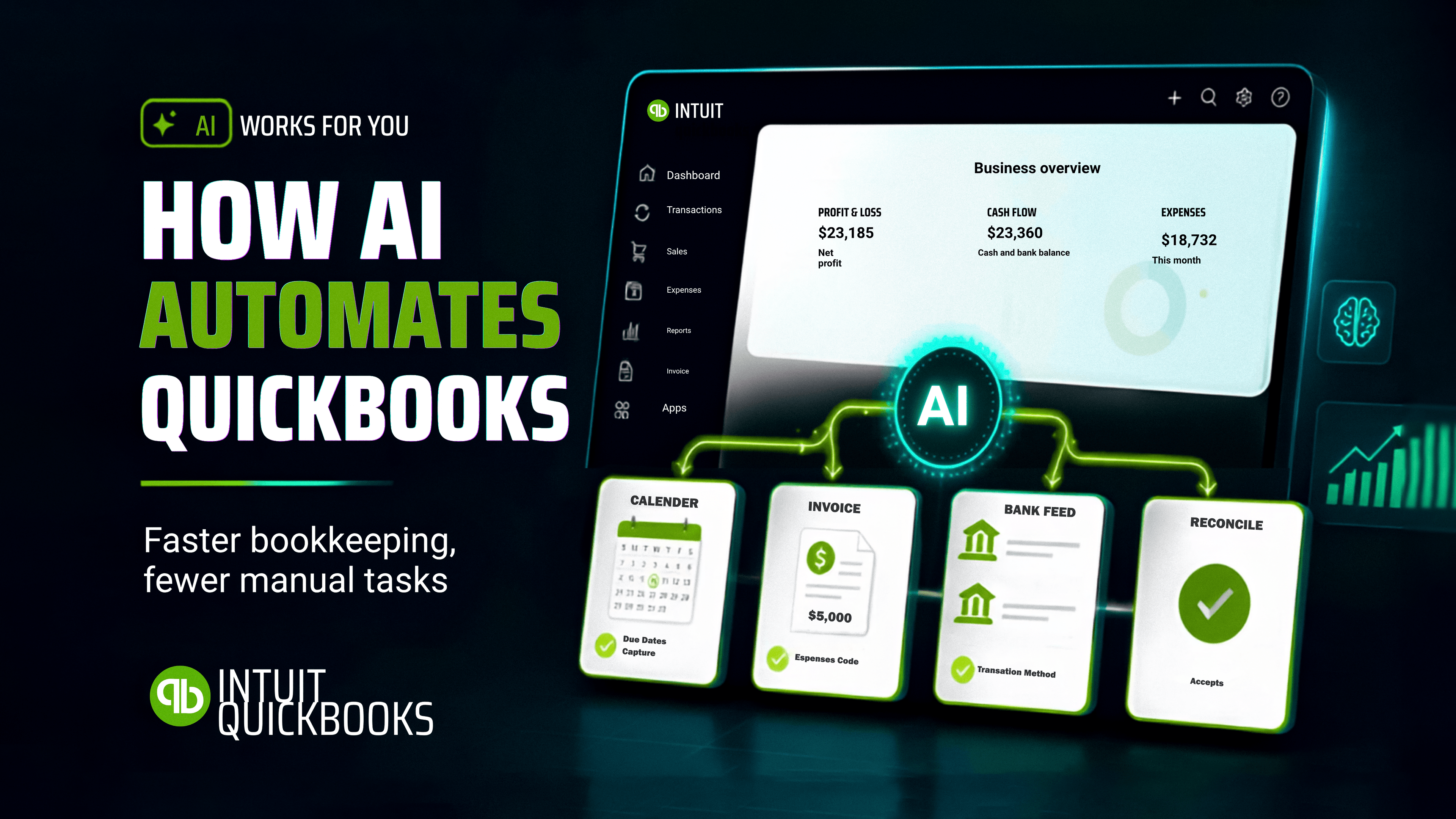
AI Accounting Automation: How to Automate QuickBooks Workflows in 2026
In today's business world, most business owners lose money due to the repetitive nature of accounting work, from invoices to receipts all of which are still entered manually. Every expense must be categorized, and reports have to be generated. And at the end of the approval chain on all these processes is someone's inbox waiting for attention. These tasks are not necessarily difficult, but together, they consume hours every week that could have been dedicated to actual business outcomes.
Here's where AI can change the entire manual operation. Instead of replacing your entire accounting software, AI helps to extend what it can do and save you time in the process. AI handles the repetitive work that slows down finance teams through workflow automation, allowing accountants and finance managers to focus their time on analysis, planning, and decision-making.
If your team already uses QuickBooks, you may not need a new accounting system. All you need is a smarter workflow.
1. AI Can Process Invoices Automatically
The manual nature of invoice entry is one of the biggest time consumers in financial operations. Every invoice has to be reviewed, entered correctly, matched to the right supplier/vendor, and recorded accurately. Today, AI can automate much of this process.
AI does this by extracting information directly from invoices, validating every detail, and preparing transactions for review. This way, businesses can drastically reduce manual data entry while improving consistency and accuracy. Instead of hours spent on entering information, finance teams can now spend their time on verifying exceptions.
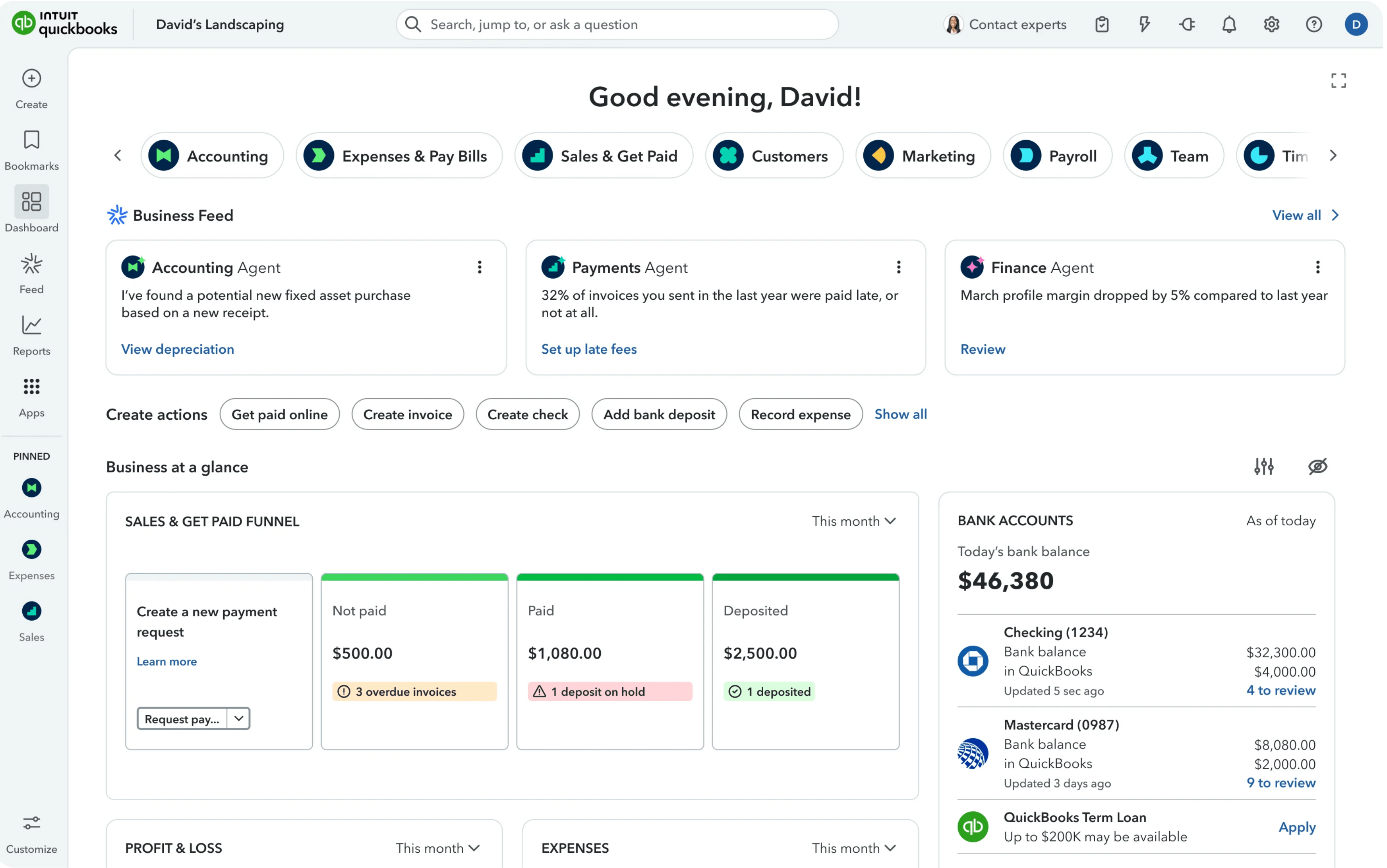
2. Automatically Categorize Business Expenses
When it comes to expense categorization, one thing is certain: it is not a walk in the park. Hundreds or even thousands of transactions every month have to be processed and accounted for. AI has the ability to learn from historical bookkeeping patterns and recommend the appropriate expense category based on vendors, employees, transaction descriptions, and previous accounting decisions.
Over time, AI helps create consistency while reducing repetitive bookkeeping work. This, in turn, allows finance teams to maintain control while no longer having to classify every transaction from scratch.
3. Turn Financial Data into Cash Flow Predictions
Most businesses find it hard to embrace forward thinking. They simply don't know what's possible in this age. AI can help you have a different outlook on what's possible.
AI can do more than just report what happened in last month's financial data. It can analyze payment patterns, recurring expenses, revenue, and outstanding invoices to help you forecast future cash flows. This allows business owners early insights into potential shortcomings and helps them make better and more informed financial decisions. Great reporting, for the most part, tells you what happened, but informed reporting enables you to prepare for what's next for your business.
4. Generate Financial Reports in Minutes
A lot of planning goes into producing a well-detailed report, which often involves the gathering of information and properly translating it into something management can understand and actually use. AI can automate much of this process today. With AI, finance teams can generate summaries, identify trends, and highlight important metrics that are top priority. That means less time creating reports and more time interpreting them.

5. Scan and Process Receipts Automatically
Receipts can be easily misplaced, photographed, emailed, or submitted days after purchases are made, delaying bookkeeping in the process. With Optical Character Recognition (OCR) combined with AI, receipts can be scanned, important information extracted, and transactions prepared for review in seconds with minimal effort.

6. Detect Unusual Transactions Before They Become Problems
In every business, it is not uncommon to experience accounting errors in the form of duplicate payments, unexpected spending, or transaction details recorded in the wrong category. AI helps to continuously monitor accounting data, identify unusual patterns, and flag them early for review before it escalates to bigger financial issues down the line. This allows finance teams to be proactive and well prepared for any situation, instead of searching for mistakes after the fact.
7. Automate Approval Workflows
Awaiting approval from management can hold up the entire payment cycle, resulting in finance teams chasing responses instead of closing the books. With AI-powered workflow automation, businesses can route requests to the right departments, send automatic reminders, and keep approvals moving without constant follow-up. The result is a faster, more transparent approval process.
Where Working Software Comes In
Arguably, QuickBooks is a powerful accounting platform, and the possibility of making it work harder for your business is where the massive opportunity lies. At Working Software, we help businesses identify those repetitive tasks, recommend and implement AI-powered workflows that complement the tools and systems they already use. Whatever your need might be — invoice processing, intelligent expense categorization, approval automation, or manual reporting — the goal remains the same: reduce manual work, improve accuracy, and give you more time to focus on high-priority tasks while supporting measurable business outcomes.
Final Thoughts
Your business might not need another accounting platform to get better results. What matters is how to get more value from what you already have. AI helps to expand on such possibilities, and its aim isn't to replace a tool such as QuickBooks, but to reduce the repetitive work that surrounds it.
When you spend less time entering data and more time analyzing it, accounting becomes an enabler for better business decisions.