
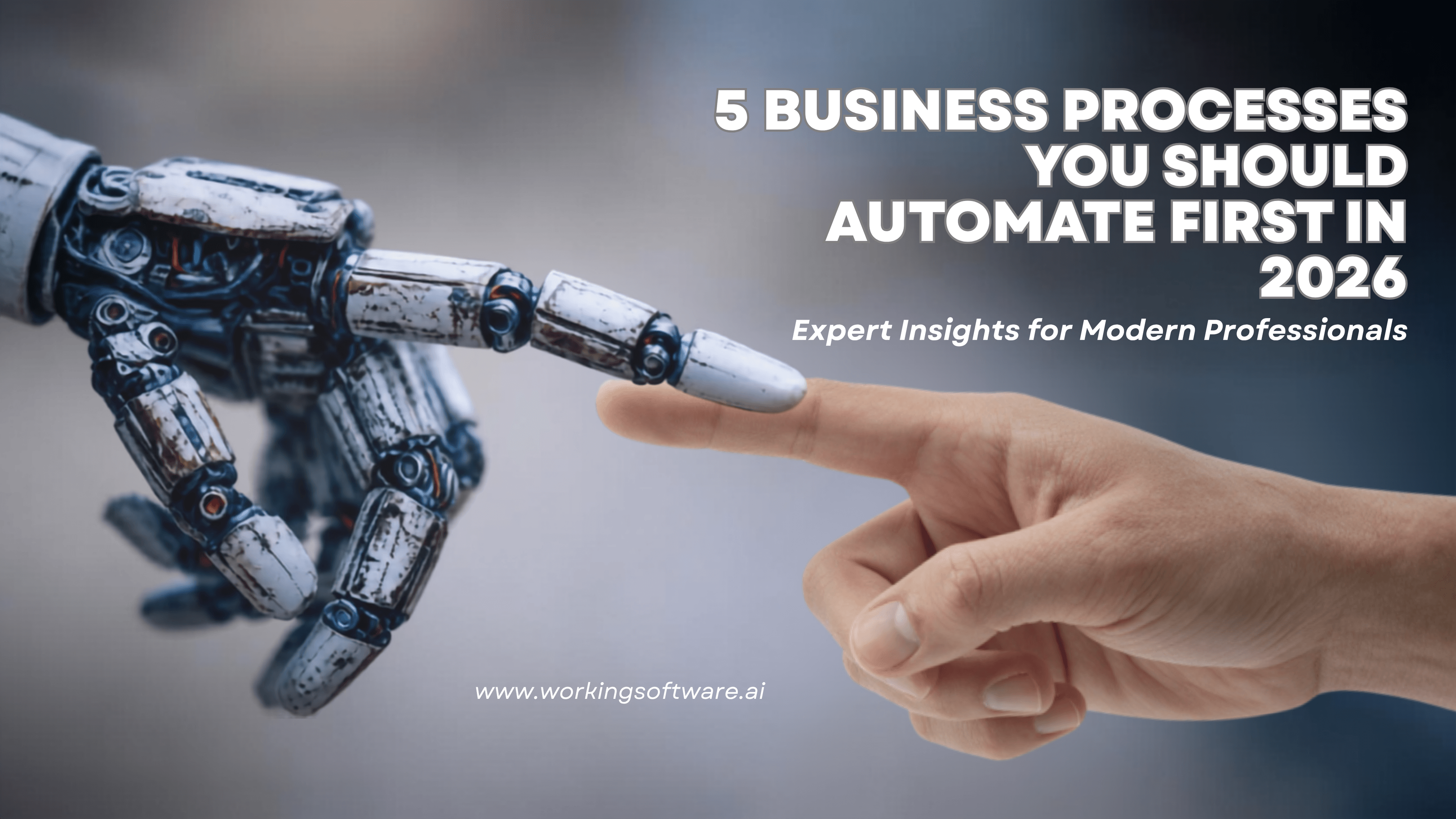
AI Workflow Automation: 15 Business Processes You Should Automate in 2026
AI is undoubtedly transforming business operations, but many companies focus on automating the wrong tasks. They acquire new tools, deploy chatbots, and test AI assistants, yet employees still spend their days copying data across systems, seeking approvals via email, updating spreadsheets, and performing repetitive administrative tasks. The core issue is the lack of effective workflow automation.
The biggest productivity boosts come not from replacing staff, but from removing repetitive tasks that hinder efficiency. In this guide, we'll highlight 15 business processes where AI-driven workflow automation provides tangible value and discuss how to identify the right processes before adopting new technology.
Before You Automate Anything
Before you automate anything, consider adding a brief section with three initial questions:
- Is this process repetitive?
- Does it follow predictable rules?
- Does it take up a lot of employee time?
If all answers are yes, it's probably a good candidate for automation. If not, avoid automating it now.
The 15 Workflows
1. Customer Support Ticket Routing
Customer support teams frequently manage hundreds or even thousands of inquiries weekly. Manually reviewing, categorizing, and assigning each ticket delays responses and raises the chance of some requests being overlooked.
The challenge: Support teams waste time manually categorizing requests.
How AI helps: Automatically classify incoming tickets, identify urgency, route them to the right department, and suggest responses.
Business impact:
- Faster response times
- Lower support costs
- Better customer satisfaction
2. Lead Qualification
Not all leads require equal attention. Sales teams often face a flood of inquiries, making it hard to pinpoint who is truly ready to purchase.
The challenge: Sales reps spend excessive time manually reviewing and qualifying leads.
How AI helps: AI analyzes inquiries, scores leads, updates the CRM, alerts the appropriate salesperson, and arranges meetings automatically.
Business impact:
- Results in more effective sales conversations
- Faster responses
- Higher conversion rates
3. Invoice Processing
Finance teams devote extensive time to inputting invoice data, verifying accuracy, and forwarding documents for approval. These routine tasks are perfect for automation.
The challenge: Manual invoice handling is time-consuming and prone to mistakes.
How AI helps: Extract invoice data, validate information, trigger approval workflows, and update accounting systems automatically.
Business impact:
- Reduced manual entry
- Fewer accounting errors
- Faster payment cycles
4. Employee Onboarding
A great onboarding experience sets new employees up for success, but coordinating accounts, equipment, documentation, and training often becomes an administrative burden.
The challenge: HR teams juggle multiple manual tasks whenever a new employee joins.
How AI helps: Generate user accounts, assign equipment, schedule training, send documentation, and notify relevant departments.
Business impact:
- Faster onboarding
- Improved employee experience
- Less administrative work
5. Document Processing
Businesses process contracts, purchase orders, applications, and numerous other documents daily. Manually extracting and organizing data from these files takes up considerable time.
The challenge: Crucial business information is hidden within these documents.
How AI assists: AI extracts vital data, categorizes documents, verifies information, and automatically directs them to the appropriate teams.
Business impact:
- Quicker document processing
- Enhanced accuracy
- Stronger compliance
6. Appointment Scheduling
Scheduling meetings seems easy at first, but it becomes complicated with busy calendars, different time zones, cancellations, and rescheduling requests piling up.
The challenge: Administrative staff spend unnecessary time coordinating appointments.
How AI helps: Automatically find available time slots, schedule meetings, send reminders, and manage rescheduling requests.
Business impact:
- Fewer scheduling conflicts
- Reduced no-shows
- Improved productivity
7. Email Triage
Many employees spend a significant portion of their day sorting through emails before they even begin their actual work.
The challenge: Important messages get buried beneath routine communications.
How AI helps: Categorize emails, prioritize urgent requests, draft responses, and route messages to the appropriate teams.
Business impact:
- Faster communication
- Better response management
- Increased productivity
8. Internal Approval Workflows
Whether it's expense claims, purchase requests, or annual leave approvals, manual approval processes can quickly become operational bottlenecks.
The challenge: Approvals often sit in inboxes waiting for someone to take action.
How AI helps: Route approvals automatically, send reminders, identify delays, and escalate urgent requests when necessary.
Business impact:
- Faster decision-making
- Reduced bottlenecks
- Improved accountability
9. CRM Updates
Salespeople should spend their time building relationships, not manually updating CRM records after every customer interaction.
The challenge: CRM systems quickly become outdated because updates rely on manual input.
How AI helps: Summarise meetings, update customer records, create follow-up tasks, and log interactions automatically.
Business impact:
- More accurate customer data
- Better sales visibility
- Less administrative work
10. Inventory Management
Running out of stock or having excessive inventory can both incur high costs. Manual inventory management often leads to delayed decision-making.
The challenge: Inventory planning depends on constant monitoring and accurate forecasting.
How AI helps: Predict demand, monitor stock levels, trigger replenishment, and alert procurement teams before shortages occur.
Business impact:
- Lower inventory costs
- Reduced stock shortages
- Better demand forecasting
11. Financial Reporting
Preparing financial reports typically involves collecting data from various systems prior to analyzing and presenting it to stakeholders.
The challenge: Reporting takes too long and often delays important business decisions.
How AI helps: Collect financial data, generate dashboards, identify anomalies, and produce executive summaries automatically.
Business impact:
- Faster reporting
- Better financial visibility
- Improved decision-making
12. Recruitment and Hiring
Hiring teams review hundreds of CVs, coordinate interviews, and communicate with candidates throughout the recruitment process.
The challenge: Recruitment involves repetitive administrative work that slows hiring.
How AI helps: Screen CVs, rank candidates, schedule interviews, and automate candidate communication.
Business impact:
- Faster recruitment
- Improved candidate experience
- Reduced HR workload
13. Compliance Monitoring
Businesses must monitor policies, deadlines, documents, and regulatory requirements across various departments to stay compliant.
The challenge: Manual compliance monitoring increases the risk of missed deadlines and costly mistakes.
How AI helps: Monitor documentation, track compliance deadlines, identify missing information, and generate audit trails.
Business impact:
- Reduced compliance risk
- Better audit readiness
- Improved governance
14. Project Management
Project managers spend a surprising amount of time chasing updates, assigning tasks, and preparing status reports instead of leading projects.
The challenge: Project coordination often relies on manual follow-ups and scattered communication.
How AI helps: Summarise meetings, assign action items, track progress, and generate project updates automatically.
Business impact:
- Better project visibility
- Improved collaboration
- Faster delivery
15. Executive Reporting
Business leaders need timely insights to make informed decisions, but assembling executive reports often requires data from multiple teams and systems.
The challenge: Leadership teams spend too much time collecting information instead of acting on it.
How AI helps: Gather KPIs, generate executive dashboards, highlight operational risks, and produce concise performance summaries.
Business impact:
- Faster strategic decision-making
- Better organizational visibility
- More time focused on growth
Which Processes Should You Automate First?
| Priority | Good Candidate? |
|---|---|
| Happens every day | ✅ |
| Repetitive | ✅ |
| Rules-based | ✅ |
| High volume | ✅ |
| Frequently causes errors | ✅ |
The more boxes you tick, the higher the automation opportunity.
Common Mistakes Businesses Make
Instead of immediately jumping into AI, businesses often:
- Automate broken processes
- Buy too many disconnected tools
- Ignore change management
- Focus on technology instead of outcomes
- Automate everything at once
The best approach is to automate one high-impact workflow, prove its value, and then expand.
How Working Software Approaches AI Workflow Automation
At Working Software, our approach doesn't begin with the question: Where can we implement AI?
Instead, we focus on pinpointing bottlenecks in your workflow:
- Where does work get delayed?
- Which manual tasks hinder your team?
- Where are people repeatedly entering the same data?
- What approvals are causing hold-ups?
By analyzing your processes, we can pinpoint opportunities for automation and, where appropriate, AI solutions that provide real value. Our goal isn't to add more software but to remove redundant tasks, enhancing your business's efficiency.
Frequently Asked Questions
What's the difference between AI automation and workflow automation?
Workflow automation connects and automates business processes. AI enhances those workflows by handling tasks that require language understanding, classification, prediction, or decision support.
Which workflow should businesses automate first?
Start with repetitive, high-volume, rules-based processes that consume significant employee time or frequently result in errors.
Can small businesses benefit from AI workflow automation?
Yes. Many small businesses see the fastest returns by automating lead management, customer inquiries, document processing, and internal reporting.
Do I need custom software to automate workflows?
Not always. Some workflows can be automated using existing platforms, while others benefit from custom solutions tailored to your business processes. Our guide on build vs. buy software can help you decide which path fits your situation.
Final Thoughts
The organizations deriving the greatest benefit from artificial intelligence are not invariably those employing the highest number of tools. Rather, they are innovatively modifying their methods of work execution. The foremost advantage of artificial intelligence lies in its capacity to eradicate monotonous tasks, optimize procedures, and allocate more time to strategic initiatives. The pertinent inquiry is not whether your enterprise ought to adopt artificial intelligence, but rather if your operational workflows are adequately prepared to incorporate it.